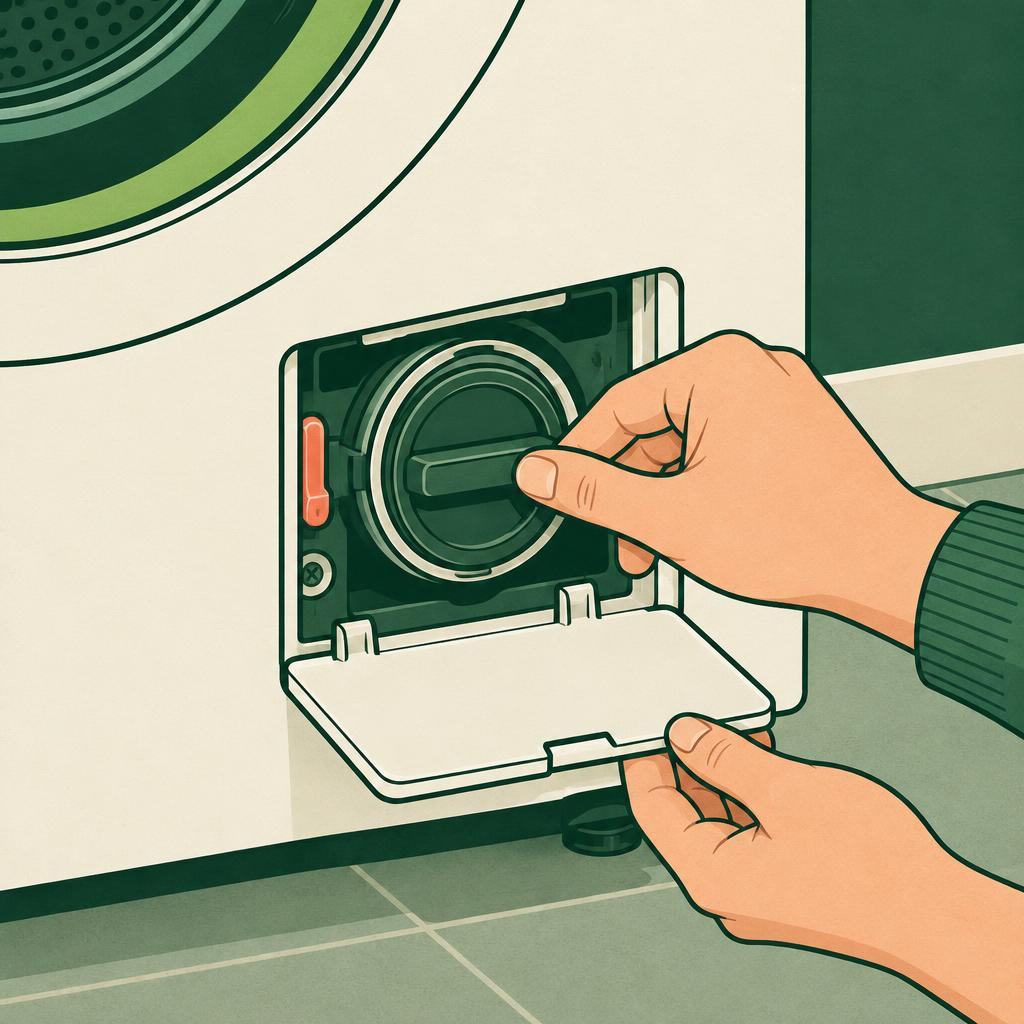
Washing machine not draining? Check the pump filter safely
Use the washing machine manual to check an accessible pump filter without opening electrical panels.
Every step has an illustration. Follow the written instructions and safety notes as your guide.

Take it one step at a time
Repair steps
Find the model instructions
Pause the cycle and note any displayed error code. Find the washer’s exact model number and consult its user manual for the drain and pump-filter procedure. Do not remove a service panel or follow instructions for a different model.

Cool and drain safely
Switch off and unplug the washer with dry hands, then let hot wash water cool fully. If the manual provides an emergency drain hose, use it with a shallow tray and towels. Do not open the pump filter while water remains above it in the drum.

Clean an accessible filter
Only if the manual identifies the filter as user-accessible, place a tray and towels below it and loosen it slowly as described, allowing water to drain in small amounts. Remove visible lint or small debris from the filter; do not reach inside with a tool or touch wiring.
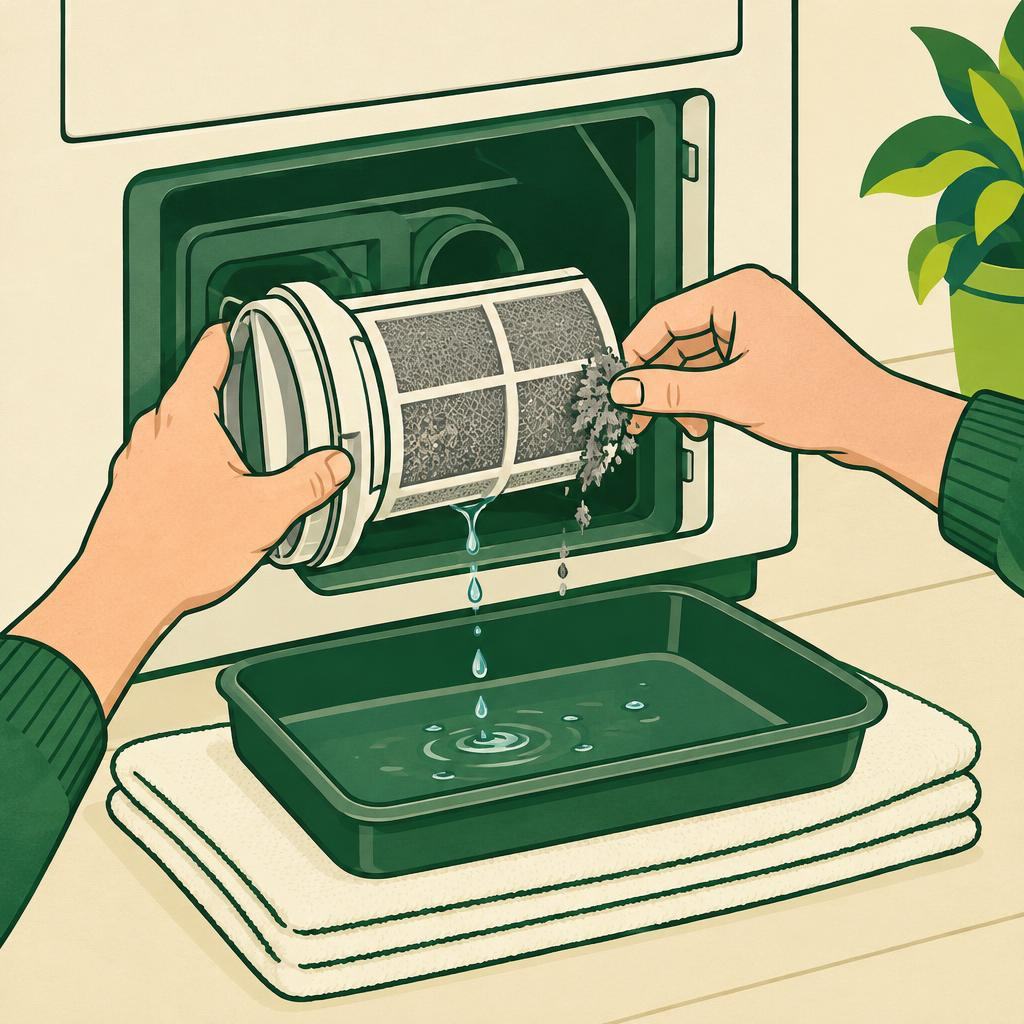
Refit and run a watched check
Check the filter seal for visible damage, refit it as the manual directs, and close the access flap. Restore power and run the manual’s drain or rinse check while watching for leaks. If it still will not drain, leaks, or the filter cannot be reached as described, stop and contact the manufacturer or an appliance technician.